How to install Rhinoceros 3D
Step 1: Go to the Academic Software page of Rinoceros 3D and click on the Request button in the upper right corner to apply for your licence.
Step 2: After your request has been processed, you will receive a confirmation email (be sure to check your junk mail as well). Click on the link in this e-mail to activate your account.
Step 3: Create a Rhino account or log in with an existing Rhino, Facebook or Google account.
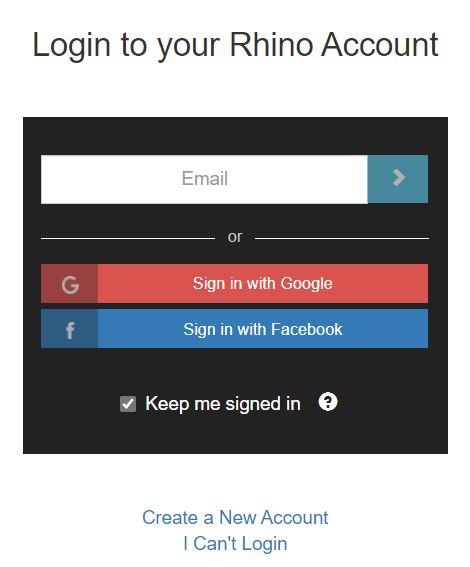
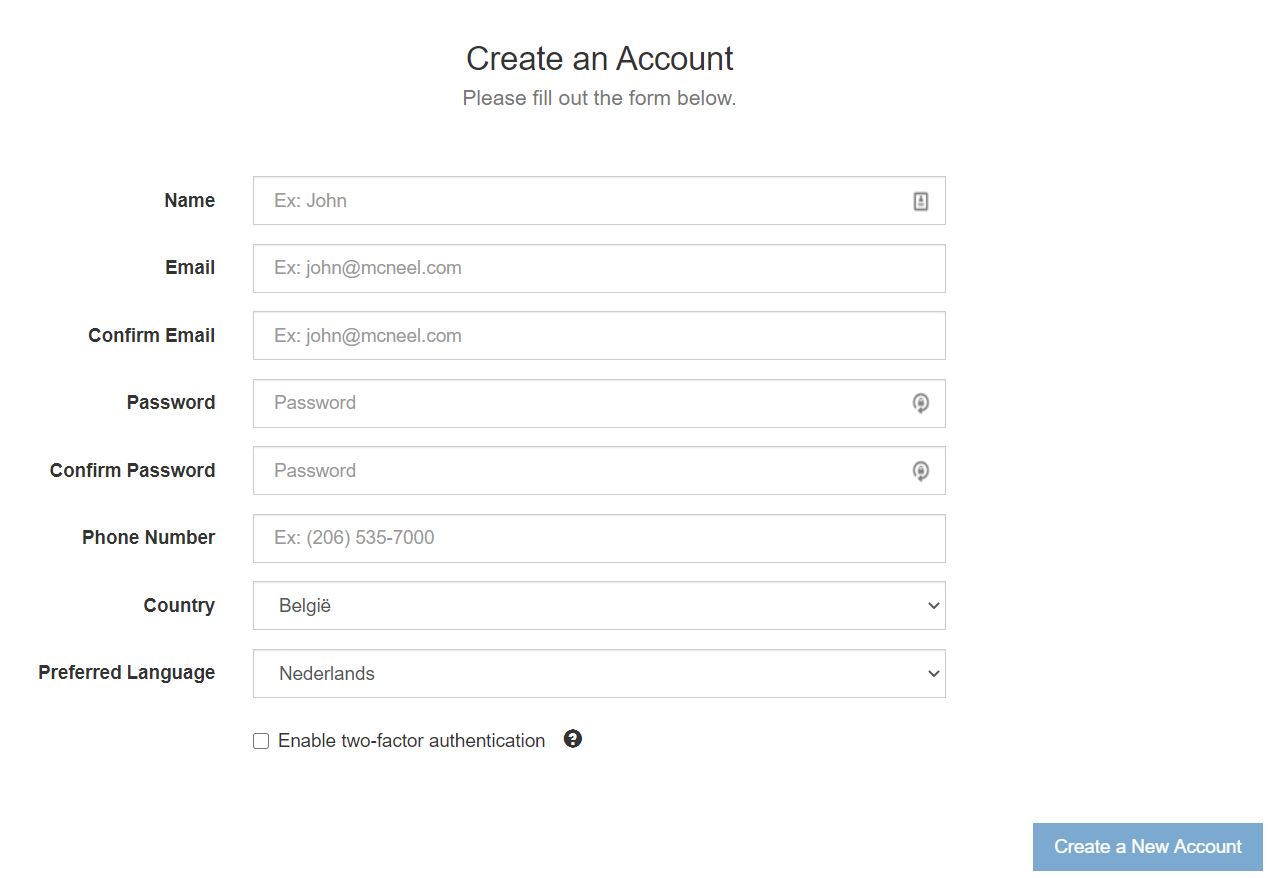
Step 4: Fill in your details and click on 'Create a New Account'.
Step 5: Click on 'Join Team'.

Step 6: Go back to Academic Software and click on the button 'Download Rhino3D V7' on the right.
Step 7: Open the installation file in your download folder.
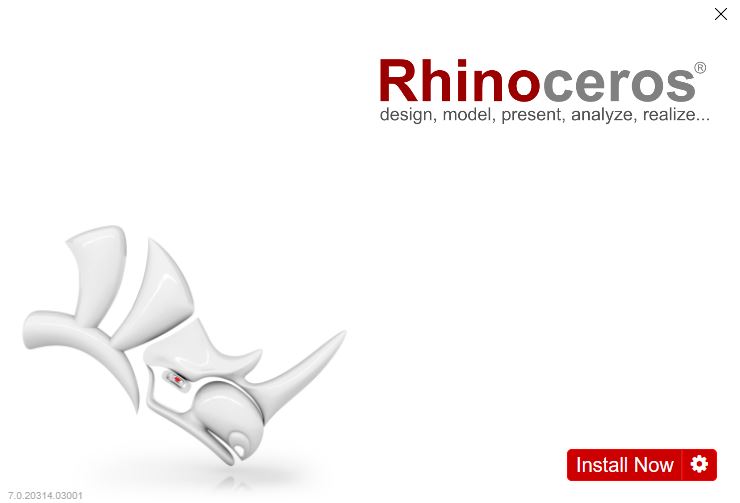
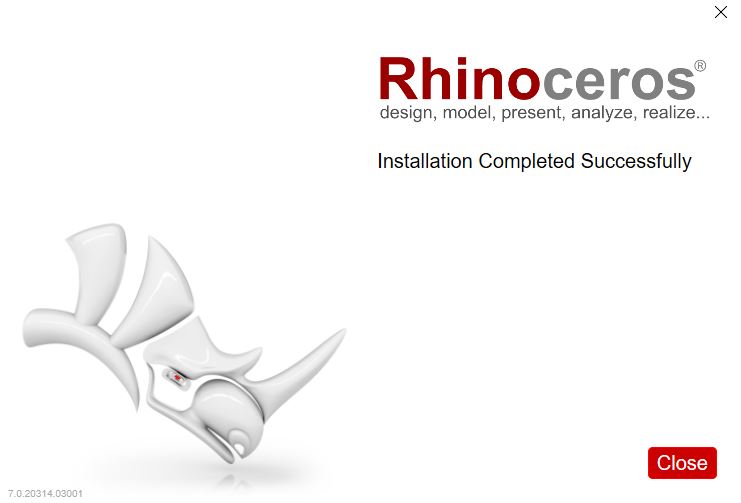
Step 8: Click on 'Install Now'. The installation will be carried out automatically. Once the installation is complete, click Close.
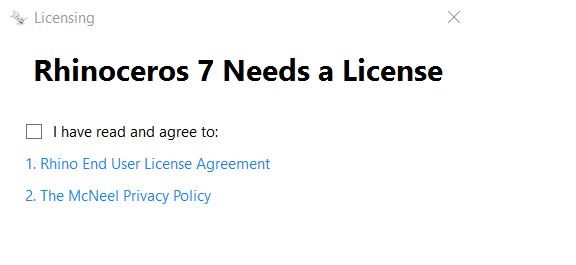
Step 9: Open Rhino 7 and accept the terms and conditions.
Step 10: Click on Login and log in with the account you have just created.
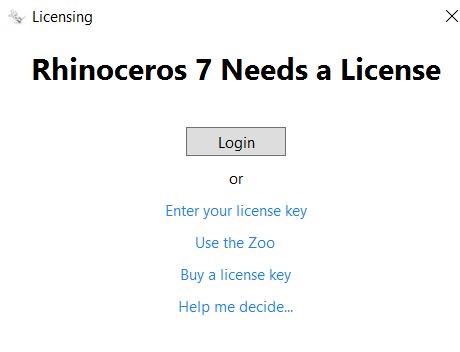
Step 11: Go back to Rhino 7. The software is now ready to use.