How to install Sketch on Mac
Step 1: Go to the Academic Software page of Sketch and click on the ‘Download Sketch’ button to start the download.
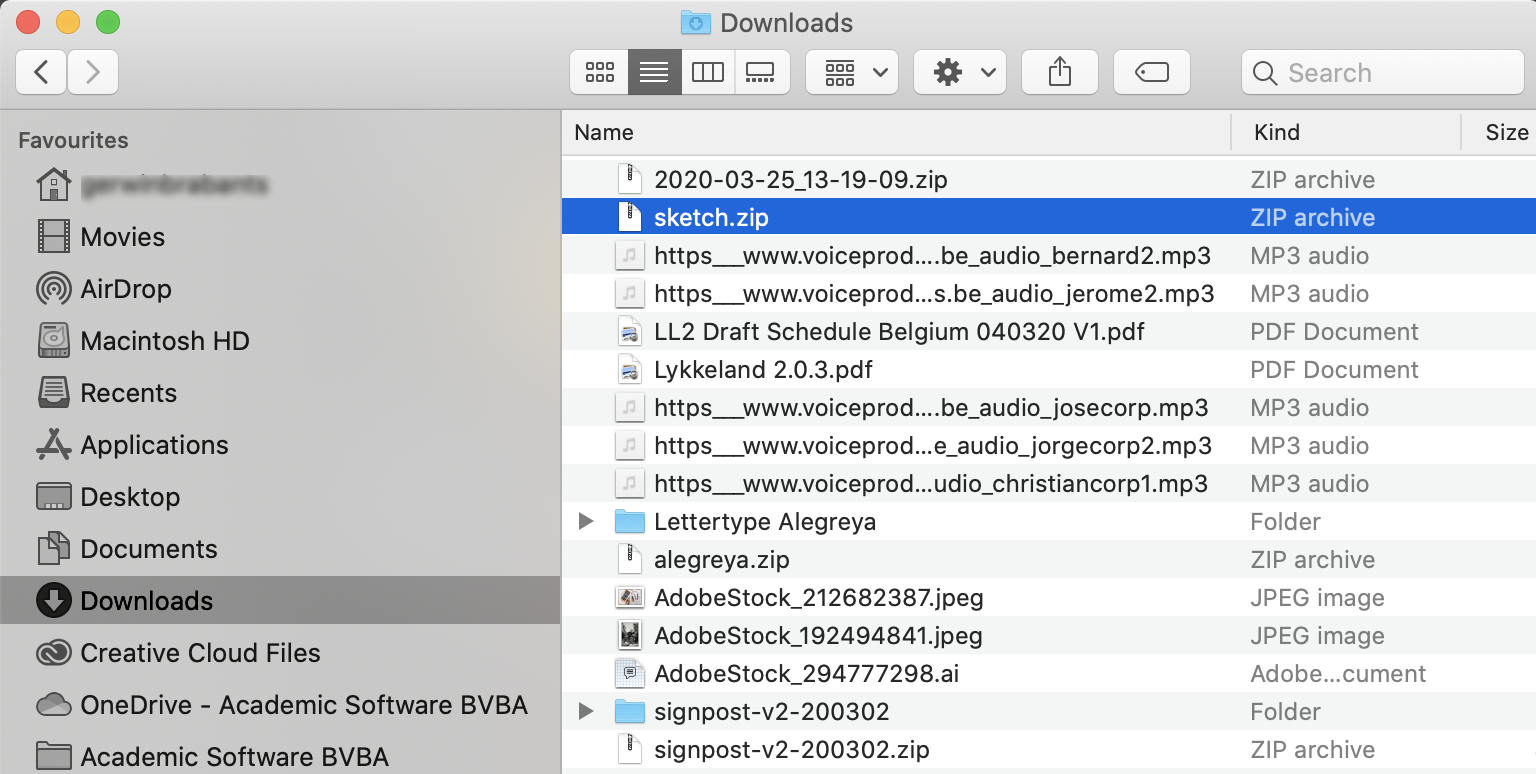
Step 2: Unzip the file in your downloads folder.
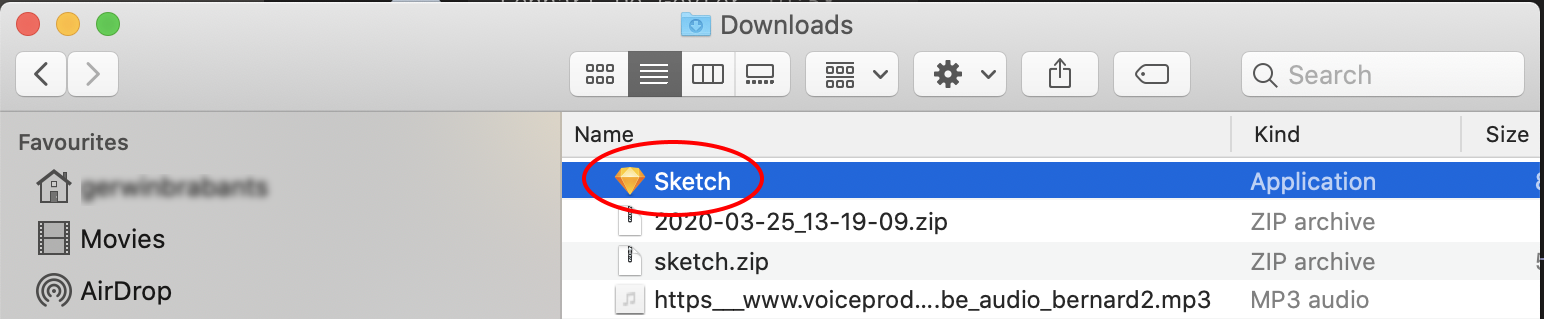
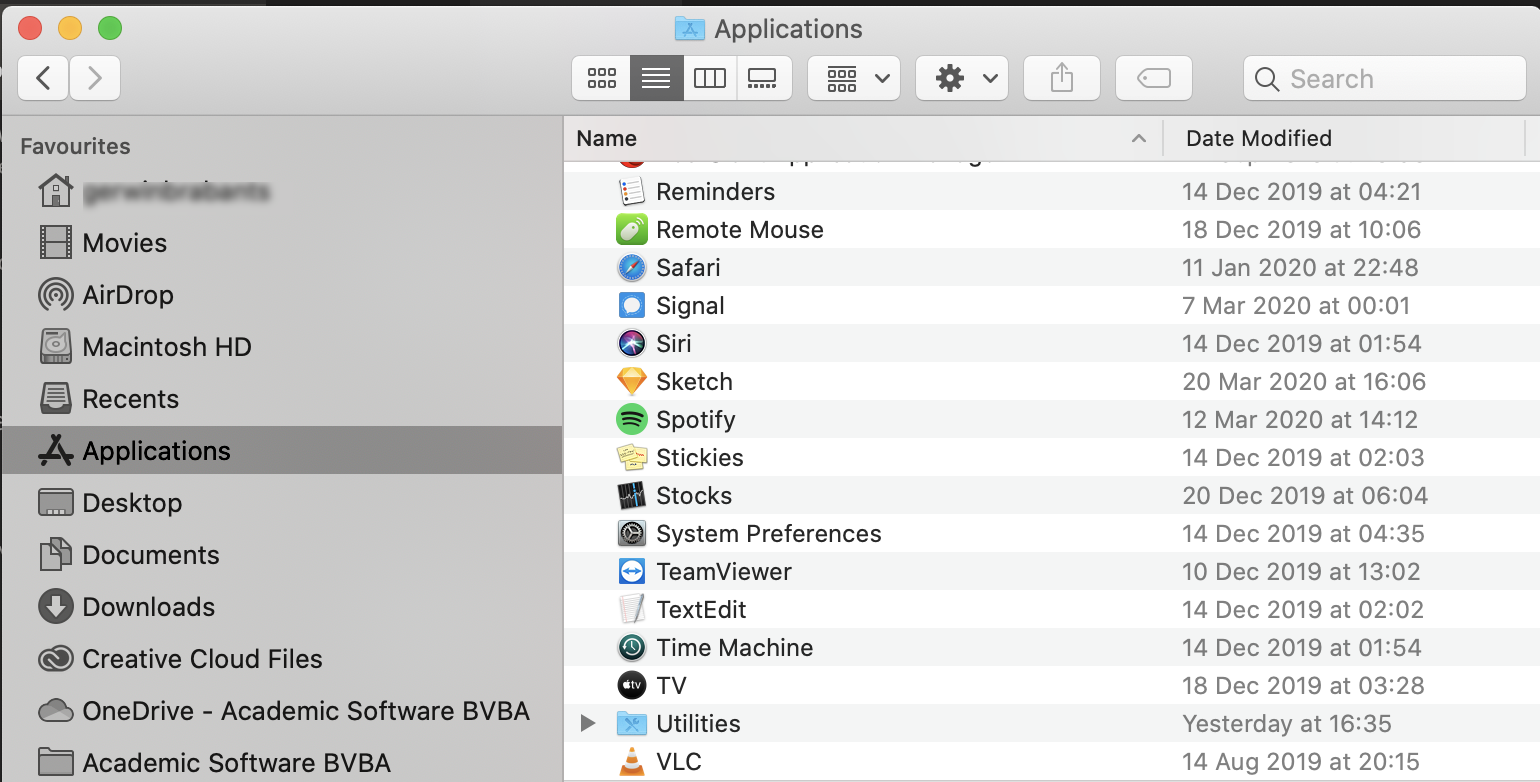
Step 3: Drag the Sketch file into your applications and open it.
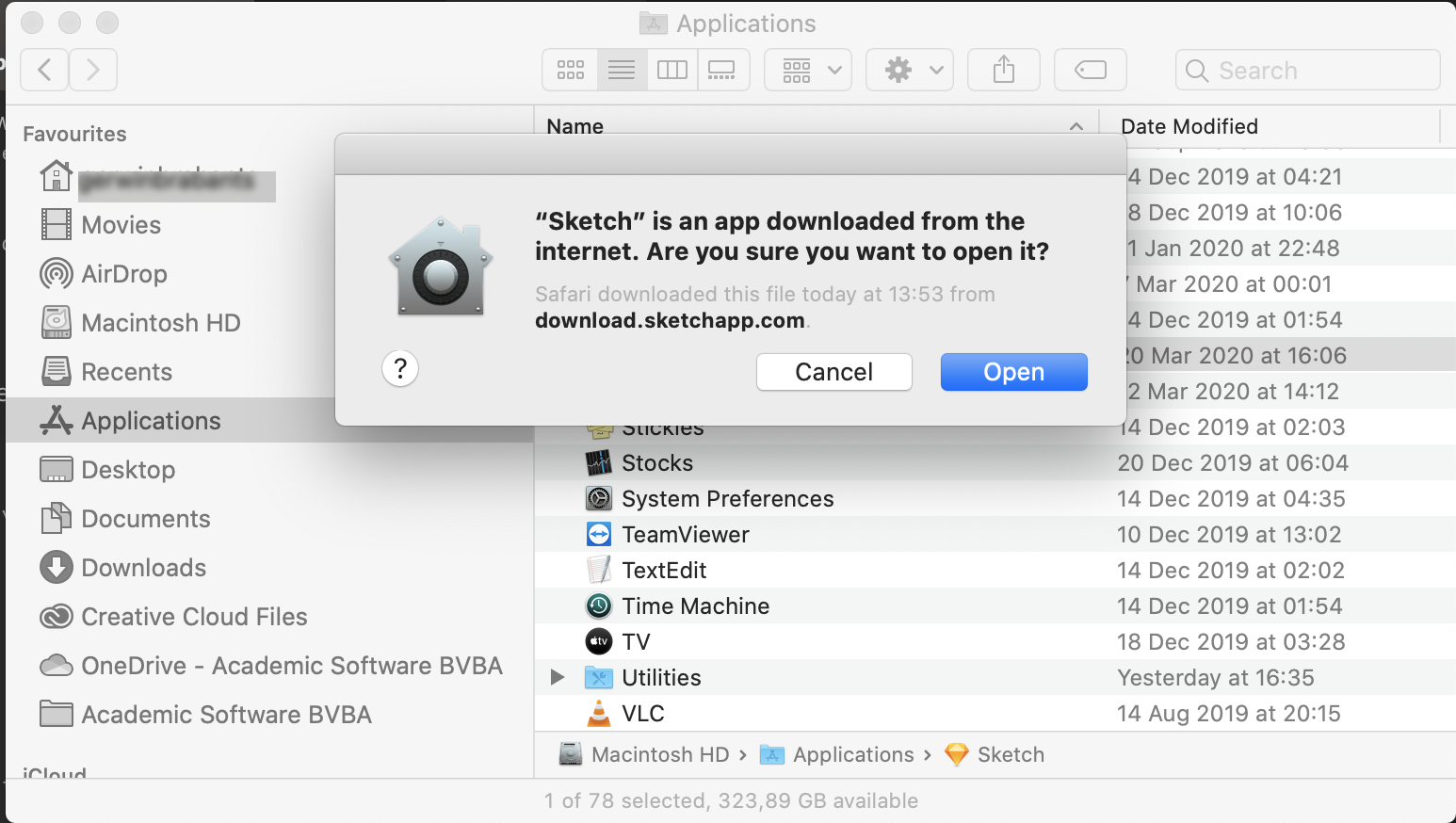
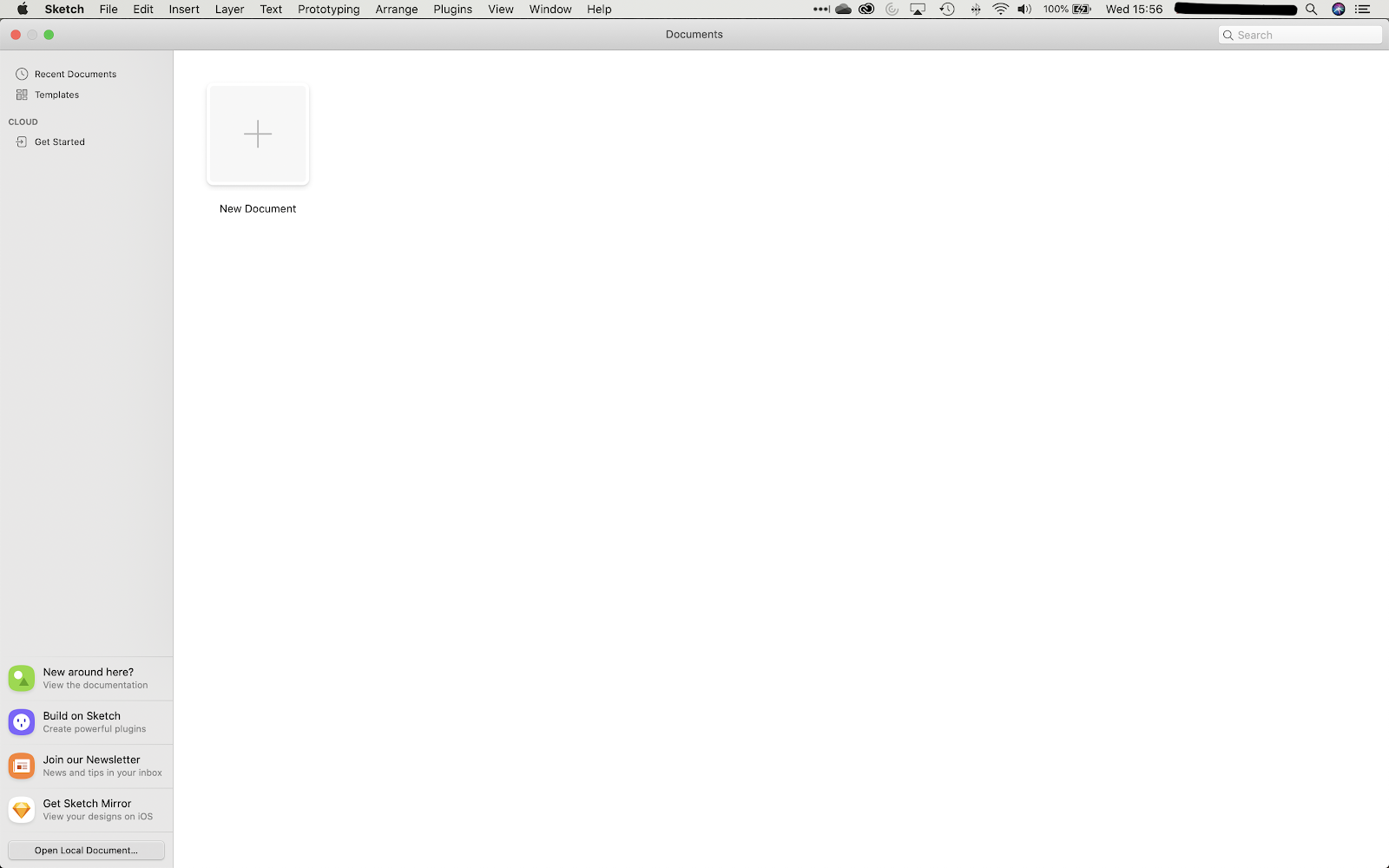
Sketch has now been installed and is ready to use.
Ask our expert team. We’ll get back to you with the answer.