How to install Java
Step 1: Go to the Academic Software page for Java and click on the button 'Download Java' to download the software.
Step 2: Open the .exe installer file from your downloads folder.
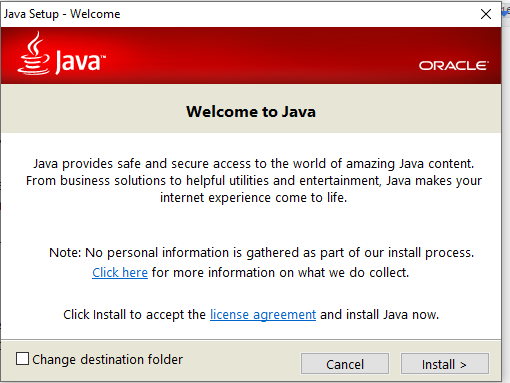
Step 3: Click Install. The program will be installed in the default location.
Step 4: Click Closeto complete the installation.
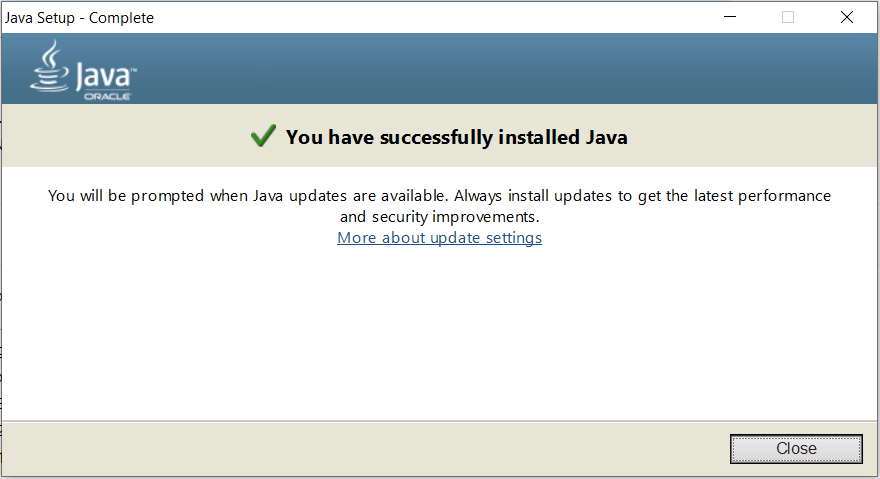
Java is now installed and ready to use.
Ask our expert team. We’ll get back to you with the answer.